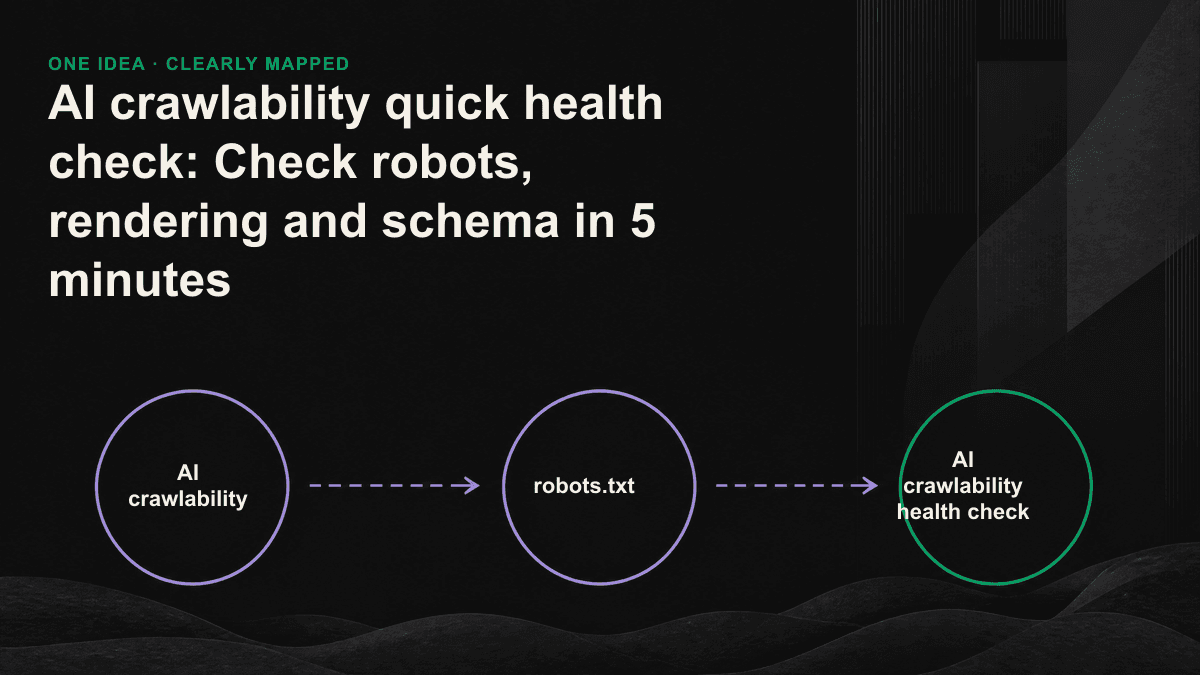
If you can't find yourself in AI search, it's probably not because the content is not good enough, but because crawlers simply can't read that page. robots.txt blocks GPTBot, the text is hidden in a block that relies on JavaScript, and the entire page does not have any structured data - as long as one of these three things is true, no matter how carefully you write the article, it will not exist for the AI engine. This kind of problem does not need to wait for a complete audit of thirty days to emerge. In five minutes and three steps, you can check it yourself.
Let’s make it clear first: AI crawlers are not Googlebot
Each AI engine sends its own crawler to collect data, each has its own user-agent, and its behavior is different from Googlebot. The most critical difference is: Googlebot is willing to spend effort to execute JavaScript on the page for ranking; most AI crawlers only crawl the original HTML for the sake of speed and cost, and JavaScript runs sparsely or not at all. Therefore, "Google indexing is normal" never equals "ChatGPT, Perplexity, and Claude can read you." The health check should be looked at from the perspective of an AI crawler alone, rather than using the old SEO checklist.
First minute: Open robots.txt and see if the AI crawler is blocked
Add /robots.txt to the end of your domain and open it directly. Use Ctrl+F to search for the following names to see if they are blocked by Disallow or not mentioned at all (not mentioned usually equals release). AI crawlers on many websites are "unintentionally" blocked - the default rules of security outsourcing, CDN or a certain plug-in block all crawlers that are not Googlebot, and the AI engine is also shut out.
- GPTBot: A crawler used by OpenAI to capture training and retrieval data. If you block it, ChatGPT will not be able to get your content.
- OAI-SearchBot and ChatGPT-User: correspond to ChatGPT search and instant access when users ask questions.
- ClaudeBot: A crawler used by Anthropic's Claude to collect and retrieve web pages.
- PerplexityBot and Perplexity-User: Perplexity is used when building indexes and reading pages immediately.
- Google-Extended: Control whether the content is used by Gemini. Blocking it will not affect the general Google ranking, but will make you disappear from Gemini's answers.
Minutes 2 to 3: Turn off JavaScript and see if the content is still there
This step tests one thing: whether your text is "really written in HTML", or whether it depends on the browser to run JavaScript. The fastest way is to disable JavaScript in Chrome DevTools and reorganize it; more directly, add view-source: in front of the URL: Look at the source code, and use Ctrl+F to search for an entire sentence in your article. If the title, text or price cannot be found, it means that these contents are rendered by the front end, and the AI crawler that only reads HTML will get an empty shell. Just think of it from the perspective of pure text browsing: whatever the crawler sees, the AI can only quote.
Minutes 4 to 5: Check whether the schema exists and is it correct?
Use view-source as usual, this time search application/ld+json to see if there is structured data buried in the page, and whether the buried type is correct. The article page should have Article, the company page should have Organization, the Q&A page should have FAQPage, and the product page should have Product. Schema will not directly help you rank. Its function is to allow AI to confirm three things at the lowest cost: what is this page about, who wrote it, and whether it is trustworthy. There's an easy pitfall here - the wrong schema is worse than no schema at all. If a page is claimed to have a FAQPage, but the corresponding question and answer cannot actually be found, or the author, date and page content of the tag do not match, AI will determine that the information on this page is unreliable, and will also reduce the willingness to cite it.
One-page interpretation chart: What you should see in five minutes
- robots.txt: None of the above AI crawlers are blocked by Disallow, and there is no site-wide blockade with User-agent: * and Disallow: /.
- Rendering: After turning off JavaScript, the title, body text, and key figures (such as price, specifications) can still be read in the original HTML.
- Schema: The page has the corresponding type of JSON-LD, and the marked content is consistent with what is seen on the screen, and is not fake or expired.
- Passed all three: The foundation of AI crawlability is no problem, and the next step is to optimize the content and referenced structure.
- If you haven’t passed any one item: Don’t rush to produce more content. This item is the gap you need to make up for right now.
AI crawlability is the threshold for eligibility to be cited, not a bonus question. If the threshold is not passed, no matter how good the content is, AI will not be able to read it or quote it.— Tenten GEO Consulting Team
If a problem is found, which one should be fixed first?
Corrections have a clear priority. The blocking of robots.txt should be unblocked first - changing one line of rules will allow it to be released, which will have the largest impact and usually take effect on the same day. Rendering issues are ranked second, because most of them require engineering intervention to change the key content to server-side rendering, or at least let the original HTML bring out the text. The cost is higher, but it directly determines whether the AI can read your words. The schema is filled in last. It is to fill the foundation to full score, not from zero to one. Follow this order and you will fill up the deadliest holes first with the least effort.
This five-minute health check can catch most obvious vulnerabilities, but it cannot catch deeper problems - such as the content returned by the server to the AI crawler is different from that returned to ordinary users, the structure of the quoted paragraphs is too loose, or the cross-page entities and credible signals are inconsistent. If you want to know where your gaps in these layers are, you can book a 30-minute GEO diagnostic session. We will use Tenten's GEO audit perspective to list your crawlability gaps into a list that can be started immediately.