The AI engine does not recognize you by your homepage design or brand story, it recognizes you as a machine-readable entity. Organization schema is that statement on your website that says to the machine, "This is me, who I am, and where you can cross-verify me." Without it, ChatGPT, Perplexity, and Google AI Overview may confuse you with a company of the same name when answering "What does such-and-such company do?" or directly fabricate your contact information and establishment background.
Why does AI recognize entities, not your website design?
Before large language models and AI search generate answers, they will first map the text on the web page to an "entity" in the knowledge base - a node with a name, attributes, and associations. If your brand does not have a clear entity signal, the model can only guess from scattered page text. The cost of a wrong guess is to be ignored. Organization schema uses the vocabulary of schema.org to package the brand name, logo, contact window and external authoritative files into JSON-LD, allowing the machine to read them at once without having to reason backwards from the marketing copy. This is also the type with the highest reporting rate among all structured materials: write it once, publish it on the entire site, and provide it to every engine that crawls you for a long time.
A minimal usable Organization JSON-LD
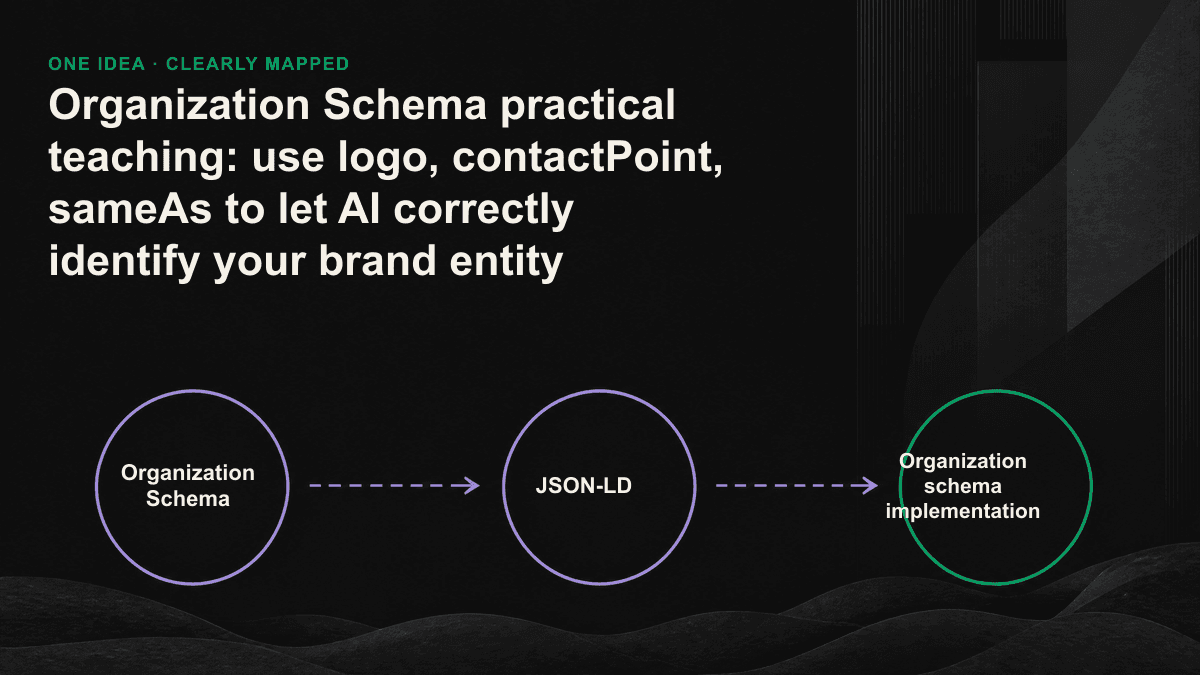
It is not necessary to have all the properties filled in from the beginning. First seek a minimum version that can pass verification and cover the core identity, and then gradually enhance it. Put it in the script tag of the page in JSON-LD format, and use Organization as @type; if you have a physical store or have a clear service scope, you can change it to a more precise LocalBusiness or Corporation subtype. Here's what each core attribute does.
- name: The official full name of the brand, which must be consistent with the website title and legally registered name. Do not use marketing slogans instead.
- url: Home page of the official website, equal to the canonical URL of this entity.
- logo: Use ImageObject to point to a clear, square logo file of at least 112×112px. The AI summary and search results will be directly accessed.
- contactPoint: customer service or business window, including telephone, contactType, areaServed and availableLanguage.
- sameAs: An array that cross-validates your authoritative profiles against LinkedIn, Wikipedia, Wikidata, Crunchbase, X, etc.
- description, address and foundingDate: state clearly who you serve in one sentence, and then use the address and year of establishment to reinforce the authenticity of the operation.
Three fields that determine success or failure: logo, contactPoint, sameAs
Logo: tie visual identity to entity
A logo is not a decoration for people to see, but allows the machine to bind a picture to your entity. Use an ImageObject to clearly mark the url, width, and height. The file itself must be publicly accessible, crawler-proof, de-backed, and have an aspect ratio close to a square. Google's knowledge panel and some AI interfaces will directly reference this field as brand recognition; if you only put a CSS background image or an untagged img on the page, the machine has no reliable source and can only ignore it.
contactPoint: Make contact information machine readable
Writing the phone number, customer service type and service language into contactPoint is equivalent to telling the AI "to find this brand, the correct window is here." contactType uses standard values (such as customer service, sales), areaServed indicates the service area (such as TW), and availableLanguage lists the serviceable languages. This column is particularly critical when users ask "How to contact a certain company?" - Only when the information is written clearly can AI dare to directly put the answer in your window, instead of vaguely mentioning it or giving the wrong number.
sameAs: disambiguation, converge scattered files into one you
sameAs is the column that has the greatest impact on GEO in the entire schema. It points your files scattered on LinkedIn, Wikidata, Crunchbase, and industry directories to the same entity, which is equivalent to helping AI disambiguate: confirming "the company on this website is the node in the knowledge base." The more authoritative the linked files are and the more consistent their information is, the higher the confidence the model has in you, and the less likely it is to misidentify the person when it is cited. Prioritize files you have control over and have verified, rather than stuffing pages with waste or conflicting information.
Filling out sameAs and matching the name and description of each external file will often help the AI quote you correctly rather than writing ten more paragraphs of self-introduction.— Tenten GEO Consulting Team
Deployment location and verification process
You only need one copy of the Organization schema and it can be placed in a location shared by the entire site. There is no need to rewrite it on every page. The safest way is to output it as a JSON-LD script on the homepage, and make sure it is rendered on the server side so that the crawler can read it without executing JavaScript. Implementation and verification can be done in this order.
- Use the script tag on the homepage (type is set to application/ld+json) to output the Organization object, confirm that it is server-side rendering, and you can see it in the source code.
- Use Google's Rich Results Test and Schema.org Validator to check syntax and required fields.
- Observe in Search Console whether it is parsed correctly and whether the logo and name correspond to your brand.
- Update each external file connected to sameAs one by one so that the name, logo, and description are consistent.
- Every time the brand changes its name, changes its logo, or changes its contact window, synchronize this schema back.
Organization schema is the foundation for entity optimization, but it only solves the first step of "whether AI recognizes you"; the next step is whether it can be stably referenced, which also involves content structure, external consistency and cross-platform visibility. If you want to know which pieces of your current entity signal are missing, you can book a 30-minute GEO diagnostic session. We will actually run it using your domain and point out the fields and files that need to be filled first.