When the AI engine reads your web page, the first step is not to appreciate how well you write, but to split the HTML into a tree, discard the parts it determines to be noise, and then convert the remaining content into plain text or Markdown. If your page is stacked with dozens of layers of divs, and the title is just an enlarged bold text, then at this step you have been chopped up and mistaken for a sidebar, and you will not be able to squeeze into the shortlist of references it makes. Clean HTML is not an engineering obsession, it is the threshold for whether it can be referenced by AI.
The key is that most AI engines will not fully render your page like a browser. They run a set of extraction processes that are close to readability: find the main content area, peel off the navigation bar and footer, treat h1 to h3 as the skeleton, and treat paragraphs and lists as flesh and blood. It will never see the visual hierarchy you carefully arranged in CSS. It only recognizes the structure revealed by the HTML tag itself. This is why two pages that look exactly the same on the screen, one is quoted repeatedly, and the other cannot get the answer no matter how much the copy is changed.
The div nest is too deep and the retriever will get lost.
Modern front-end frameworks can easily develop "div soup": each element is wrapped in a layer of wrapping divs, and a piece of text that should be a complete description is finally buried under eight to ten layers of divs without any semantics. The extractor relies on heuristic rules for text density and label types to determine "where is the main content". As the nest becomes deeper and mixed with short text fragments such as buttons and labels, its confidence score drops. It may pick the wrong area, or it may split your continuous paragraph into three unrelated fragments and process them separately.
The solution is not mysterious: wrap the main content with semantic tags. <main> contains the most important content of the entire page, <article> contains an article that can be read independently, <section> contains chapters, and <figure> contains pictures and instructions. These labels are like saying directly to the extractor, "This is the important thing." It is impossible to clear away all the wrapping layers generated by the framework, but you must at least ensure that the outermost layer of the main content is <main> or <article>, not the twelfth class div called wrapper. If something can be solved with one layer of semantic tags, don’t use three layers of divs.
The title level is the directory you help AI to make
The extractor treats h1 to h6 as the entire table of contents and uses it for chunking. If it is cut cleanly, the AI can accurately quote a certain paragraph to answer a certain question; if it is cut messily, the entire article will be crumpled into a ball, and the context will be lost when quoting. There are actually only three principles to abide by.
- Only place one h1 on a page, usually the title of the article; the rest of the chapters will expand from h2 downwards.
- Do not skip levels: h2 is followed by h3, and do not jump directly to h4; skipping levels will cause the extractor to misjudge the subordination of the paragraphs.
- The title is a structure, not a style: if you want to enlarge a certain line of text, use CSS. Don’t use h2 just to make the text larger, and don’t stuff a bunch of titles of the same level for SEO.
The most common mistake is to have only one h1 on the entire page, and use divs and boldface to make the rest "fake titles" that look like titles. In the eyes of the crawler, this article has no chapters, only a large continuous paragraph of text, so it can only capture or discard the entire paragraph. Replacing the fake title with real h2 and h3 is equivalent to handing a catalog to the AI, and it will know where to start.
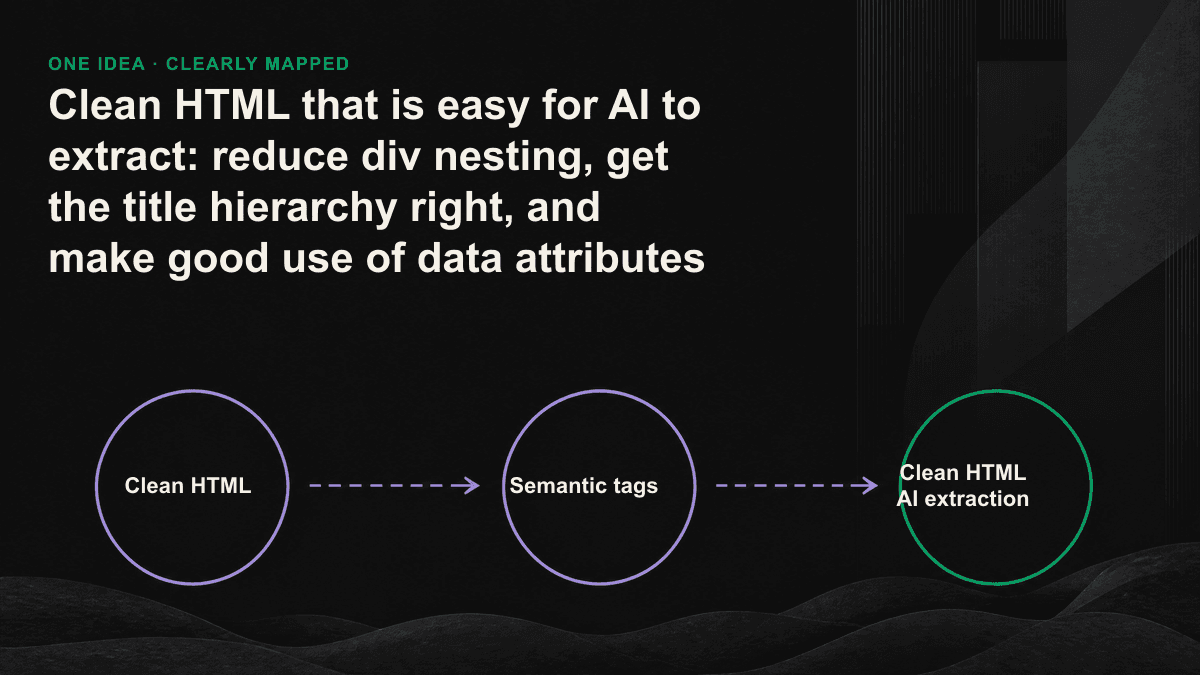
Semantic tags and attributes: making meaning understandable without relying on CSS
The structure solves the problem of "extracting it cleanly", and the attribute solves the problem of "extracting it and still understanding it". Pictures are supplemented with alt, which has content in a pure text world; dates are added with <time datetime> so that they will not be read as a string of meaningless characters; tables are paired with <table> and <th>, so that the field relationships can be retained when converted to Markdown; nouns and definitions are wrapped in pairs with <dl>, <dt>, and <dd>, and the model is extracted into a set of clean questions and answers. The ARIA attributes (aria-label, aria-labelledby) were originally designed for accessibility, but they also provide machine-readable meaning for elements without visible text.
How to use data attributes correctly, don’t expect it to be magic
Let’s be honest here: most AI grabbers won’t read your custom data-* attributes at all, they are not designed for your private naming. The only "data attributes" that are truly widely supported are those that have standards - itemprop of microdata, data-nosnippet (which tells the engine not to use this paragraph as a summary), and the most reliable machine-readable layer JSON-LD. Instead of inventing a bunch of data-geo-* and expecting AI to understand it, it is better to write the key facts that can be quoted, such as author, release date, price, and FAQ, into JSON-LD so that the retrieved results have a truth that does not depend on the layout.
data-* is of course still useful, just used in other places. You can use it in your own analytics or internal tools to mark which passages are quotable and track which pieces of content are actually taken away by the AI. It is a coordinate for you to see, not an instruction for AI. Keep these two things separate so that you don't waste energy on attributes that no one will read.
A cleaning checklist to follow
- Wrap main content with <main> or <article> to ensure it is a clear, single area.
- Cut off the nested divs that exist purely for layout, and use semantic tags if you can.
- There is one h1 per page, h2 and h3 will not be skipped, and all false titles will be replaced with real titles.
- Use alt for pictures, <time> for dates, <th> for tables, and <dl> for noun definitions.
- Write key facts into JSON-LD, don't just rely on custom data-* attributes.
- After finishing the manuscript, use the web page to convert it to Markdown and check it once. That output is the perspective of AI.
AI will not cite you just because your page looks good in the browser; it will cite the version that it has extracted cleanly and understands.— Tenten GEO
Clean HTML is the section with the highest reporting rate and the most frequently skipped section in the entire GEO set. It does not have to rewrite the content, it just organizes the existing content into a machine-readable format, which is low cost and quick to produce results. If you want to know what parts of your key pages are missing in the eyes of the AI extractor, we will actually run through their extraction results in the GEO audit; you can also book a 30-minute GEO diagnostic session first and use your own pages to see where the gaps are on the spot.