Cloudflare's one-click AI bot block can remove your site from AI answers. The crawler that retrieves your page for a ChatGPT or Perplexity answer is often different from the one collecting content for model training, but the Block AI Bots switch can stop both.
Many teams first notice AI crawlers when server traffic spikes or legal asks whether company content is being used for training. Cloudflare offers an all-or-nothing switch that takes three seconds to enable. For a B2B SaaS company that wants AI recommendations, that shortcut can shut off a valuable discovery channel. The safer approach is to block training access selectively while keeping citation-related retrieval open.
Three crawler types require three different policies
The label "AI crawler" hides three different jobs. Identify the job first, then decide whether to block or allow the bot.
- Training crawlers collect content for model training. Examples include OpenAI's GPTBot, Anthropic's ClaudeBot, ByteDance's Bytespider, and Common Crawl's CCBot. Blocking them does not prevent live citations.
- Retrieval crawlers fetch a page when someone asks ChatGPT or Perplexity a question, then use the content in the answer and attach a source. Examples include OAI-SearchBot, ChatGPT-User, PerplexityBot, Perplexity-User, and Claude-User. Block them and your site can disappear from live answers.
- Search-index crawlers include Googlebot and Bingbot. Google AI Overviews depends on Google's index, while some ChatGPT and Copilot results depend on Bing. Blocking either bot can damage both search rankings and AI visibility.
Blocking a training crawler does not automatically remove you from AI answers. Live citations depend on what retrieval and search crawlers can access now, not whether a model used the page for training months ago. You can refuse training access and still pursue real-time citations, provided the rules distinguish between the bots.
Step 1: See which bots are crawling the site
Review the data before changing a rule. Cloudflare's AI Crawl Control, formerly AI Audit, shows each crawler's recent request volume, requested paths, and current allow or block status. Bytespider or GPTBot may generate more requests than Googlebot. Use this report to identify bots consuming server resources and retrieval crawlers that have never visited, which can indicate that the site has no visibility in that engine.
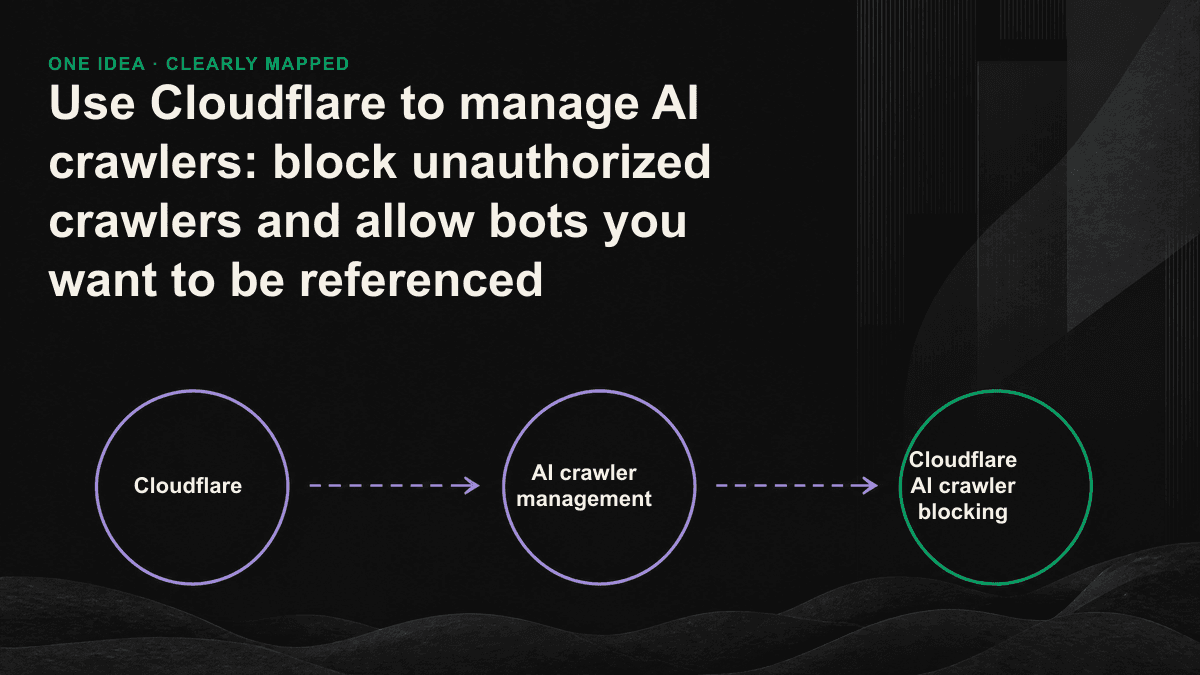
Step 2: Replace the universal switch with targeted rules
Cloudflare provides three levels of control. The Block AI Bots switch is convenient but broad enough to block retrieval crawlers, so use it only if AI visibility does not matter. Managed robots.txt rules communicate preferences to compliant training crawlers. WAF custom rules provide the precision needed to allow or block individual bots and should form the core of the policy.
- Create a WAF block rule for the user agents of training crawlers such as Bytespider, CCBot, GPTBot, and ClaudeBot. Set the action to Block or return 403.
- Create a Skip rule that explicitly allows OAI-SearchBot, PerplexityBot, Perplexity-User, ChatGPT-User, Googlebot, and Bingbot. Place it before the block rule so retrieval remains available.
- Use Cloudflare's verified bot field instead of relying only on the user-agent string, which can be forged. Cloudflare validates verified bots with reverse DNS and signatures, helping the rule reject impersonators.
- For stricter control, Cloudflare Pay Per Crawl can return HTTP 402 to training crawlers and require payment for access, turning unrestricted collection into a paid transaction or a negotiating point.
Which crawlers should you allow or block?
For most B2B SaaS companies seeking AI recommendations, the default policy is simple: allow retrieval and search crawlers, and block training crawlers selectively. Do not confuse Google-Extended with Googlebot. Google-Extended controls some uses of content for Gemini training and grounding; blocking it does not remove the site from AI Overviews. Blocking Googlebot can remove the site from Google's entire search ecosystem. Keep Bingbot open as well, because some ChatGPT and Copilot results use Bing's index.
Step 3: Verify that the rules did not block the wrong bot
After deployment, verify the response codes in AI Crawl Control and the WAF event logs. Training crawlers should receive 403, while retrieval crawlers and Googlebot should continue receiving 200. An overly broad block rule can catch Googlebot and send organic rankings down two weeks later. Check representative URLs in Google Search Console or inspect server responses for a week before treating the configuration as complete.
Blocking AI crawlers is easy. The difficult part is stopping only the bots you reject while keeping the path open for those that can place you in an answer.— Tenten GEO
Crawler blocking is defense; earning citations is the goal
Crawler controls prevent unauthorized collection and excessive server load. Allowing retrieval crawlers, however, does not guarantee a citation. They still need to reach the page, understand it, and trust it. GEO addresses that second problem through content structure, entity markup, and consistent brand information across platforms. Cloudflare opens the door; the content earns the invitation into the answer. To see whether your site appears across the six major AI engines and whether allowed crawlers are producing any visibility, book a 30-minute GEO diagnostic session. We will test your actual buyer questions and show you the gaps.