Let me conclude first: if you block Google-Extended, your website will not disappear from AI Overviews. These two things are often regarded as the same thing, so someone disallow Google-Extended in robots.txt, hoping to control whether Google's AI summary should cite themselves. In the end, they found that the summary still appeared, but the content was excluded from Gemini training. Google-Extended cares about whether the content can be used to train generative models; whether AI Overviews cites you is a completely different pipeline.
What exactly is Google-Extended?
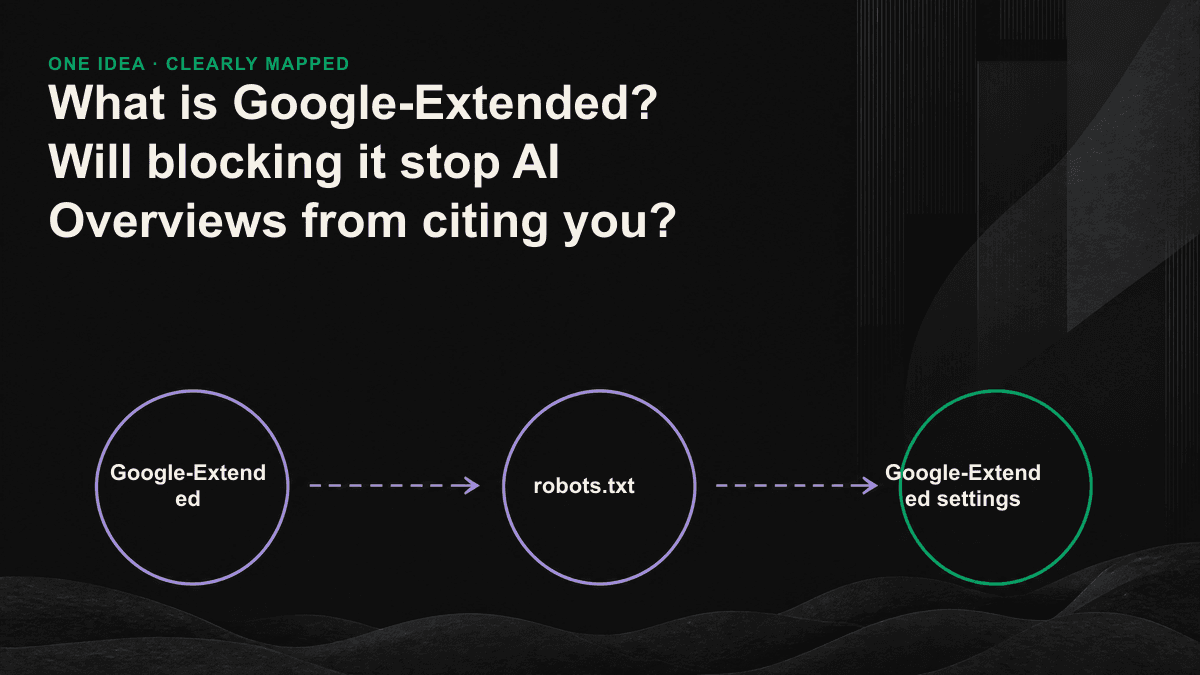
Google-Extended is an independent control item launched by Google in September 2023. You write it into robots.txt to determine whether Google can use your webpage to train and improve the Gemini series model and the generative API of Vertex AI. It has an easily overlooked feature: it is not a crawler itself and will not crawl websites alone. Googlebot is still responsible for crawling, and Google-Extended is just a switch that determines whether the content that has been crawled can be used for generative AI.
So it has no impact on Google search inclusion and ranking. If you disallow it, the webpage will still be crawled by Googlebot, will be included in the search index, and the ranking will not drop. Google's official statement makes this very clear: blocking Google-Extended will not change your position in Google searches. This is why many people feel that "nothing happened" after setting up, because for the search, nothing happened.
Blocking it, why doesn't it affect AI Overviews
AI Overviews and AI Mode are both functions of Google search. The sources they reference come from the search index established by Googlebot, not Google-Extended. What determines whether you will be cited by AI Overviews is actually your visibility in organic search: whether the page can be crawled, whether it is included, and whether the content structure makes it easy for the machine to extract an answer that can be directly put into the summary. The Google-Extended switch cannot touch this line.
How to set Google-Extended (robots.txt implementation)
Set the location of robots.txt in the root directory of the website. To prevent the content from entering Gemini training at all, set Disallow for this token; to keep it open, write Allow or simply don’t mention it, because the default is to allow it. You can also perform path-level control, such as blocking only the members area or specific directories, leaving the rest open as usual. This rule is independent of Googlebot's rules and will not cover each other, so you can safely turn off training and turn on search.
- Complete block training: User-agent: Google-Extended then Disallow: /
- Fully allowed (default value): do not write any rules, or User-agent: Google-Extended followed by Allow: /
- Only block specific directories: User-agent: Google-Extended followed by Disallow: /members/, and the rest remain open
- After the change is completed, use Google Search Console's robots.txt test, or directly open yourdomain.com/robots.txt in the browser to confirm that it has taken effect.
So should we block it? three situations
Whether to block or not depends on whether your content is an asset that you need to protect, or whether it is marketing material that you want to be seen by more people and models. It will be faster to use these three scenarios to get in the right position.
- The content itself is a monetizable asset (original research, paid knowledge, exclusive reports): it tends to block training purposes and does not feed models for free, while retaining citation opportunities in search and AI Overviews.
- For B2B SaaS, what is required is that the brand is mentioned in the AI answer: usually there is no need to block it, so that the content can be widely learned, but it will increase the chance of being actively recommended by the AI assistant.
- If you have licensing, legal compliance, or sensitive content concerns: Block specific directories, rather than blanketing the entire site, and keep public marketing content in the training pool.
Don’t confuse training crawlers with retrieval crawlers
Here is one of the most common and expensive GEO mistakes. There are roughly two types of crawlers in the AI world: the training type is responsible for feeding content into the model, and the retrieval type is responsible for instantly crawling, generating answers and attaching sources when users ask questions. Google-Extended, GPTBot, Applebot-Extended, and ClaudeBot belong to the former; OAI-SearchBot, PerplexityBot, and Googlebot belong to the latter. Some people blocked the two together to "protect content". As a result, the model learned nothing less, but itself disappeared from the AI citation list.
- GPTBot (OpenAI training): Block the training that means you will not enter ChatGPT, but it will not affect ChatGPT searches for you.
- OAI-SearchBot (OpenAI search): Blocking means that ChatGPT search will not catch you and will not list you as the source.
- PerplexityBot (Perplexity search): Block answers that represent Perplexity so you won’t be included in them.
- Google-Extended (Google training): If blocked, the representative will not enter Gemini training, and the AI Overviews will still be quoted.
- Googlebot: This is the lifeblood. Blocking it means quitting search and AI Overviews at the same time. You should almost never touch it.
If you really want to influence the presentation of AI Overviews, what should you do?
Google currently does not provide a dedicated switch to "exit AI Overviews but keep general search snippets." What you can use is search-level retrieval control: nosnippet does not display the summary at all, max-snippet limits the length of the summary, and data-nosnippet marks a certain section of the page not to be retrieved. The price is that these settings will also affect the summary of general searches, which is not cost-effective in most cases. Instead of trying to find a way out, a more practical approach is to write content that is easy to quote cleanly: clear questions, direct answers, and paragraphs that can be extracted independently, so that the AI is willing to quote you and can quote accurately.
Blocking Google-Extended does not prevent AI Overviews from citing you because it does not control Googlebot's search index. The more useful check is whether robots.txt or another rule is blocking the search and retrieval crawlers that actually need the page. If the current policy is unclear, book Tenten GEO's 30-minute diagnostic session and we will review the training and retrieval settings with you, then identify what should remain allowed or blocked.