Let me talk about the most critical sentence first: almost none of the current mainstream AI crawlers execute JavaScript. If the content of your page depends on JS running on the browser side to grow, then in the eyes of GPTBot, ClaudeBot, and PerplexityBot, it is a blank page. This is not a matter of ranking, it is a matter of life and death whether one is seen or not.
Many people use the experience of Googlebot to infer AI crawlers. This is where the misunderstanding starts. Googlebot has developed a fairly mature set of JavaScript rendering capabilities over the years. Even if you use pure front-end rendering, it will probably still be able to capture the content, but it will just be slower and consume more resources. That’s not how AI crawlers work. Most of them only do one thing: grab the original HTML returned by the server, read it and leave without opening the browser, waiting for JS, or doing the second round of rendering.
AI crawlers and Googlebot are not the same creature
Googlebot crawls in two waves. In the first wave, the original HTML is read first, and what can be taken away first; in the second wave, the page is queued into a rendering queue, and a headless browser like Chrome is used to run the JavaScript and fill in the dynamically generated content. This mechanism consumes a lot of computing resources, and Google is willing to burn it because search is its main business.
AI company crawlers don’t have this second wave. OpenAI's GPTBot, Anthropic's ClaudeBot, Perplexity's crawler, and OAI-SearchBot, which is responsible for real-time search of ChatGPT, currently all end with HTML. The reason is very practical: for them, the cost of running a headless browser on the entire network is ridiculously high, and what they want is "text that can be read directly into the model", not to reproduce your visual picture. All that JavaScript you spend on front-end interactions, animations, lazy loading, is all noise or whitespace to them. The only exception is Google's AI Overviews, which is built on Google's existing index and therefore uses Googlebot's rendering capabilities; but as long as your target includes ChatGPT, Perplexity, and Claude, you cannot bet that JavaScript will be run.
Three rendering methods, what is the difference in readability for AI?
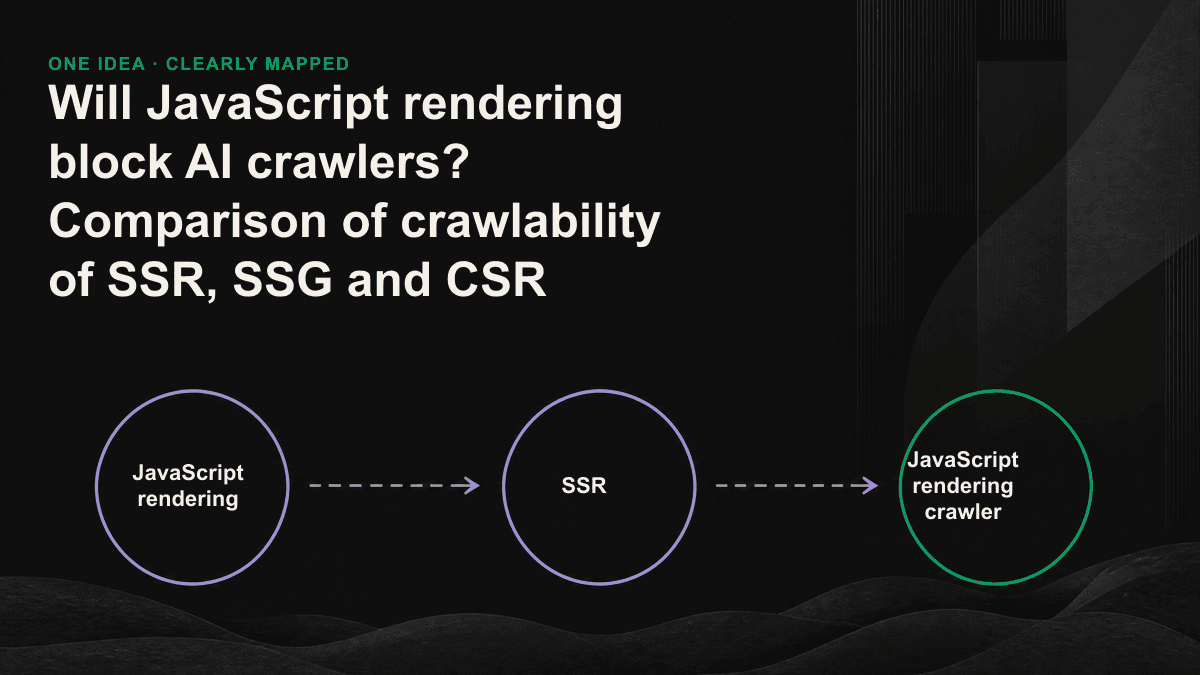
The same piece of content is sent out using different rendering strategies, and what the AI crawler gets is vastly different. The difference is only one question: whether the content is "written into HTML on the server side" or "it appears after the JS on the browser side is finished running".
- SSG (Static Generation): Generate the complete HTML of each page during creation and save it as a static file. The server directly returns the finished product, and the AI crawler can capture the full text. The most readable and the fastest to load.
- SSR (Server Side Rendering): The server assembles the complete HTML in real time and then sends it back every time it is requested. AI crawlers can also get the full text, but the price is that the server has to calculate it every time. Pay attention to the load when the traffic is heavy.
- CSR (pure front-end rendering): The server only returns a nearly blank HTML skeleton, and the real content is filled in after the browser downloads and executes the JS. If the AI crawler does not run JS, all it will see is the empty skeleton with almost no quotable text.
To put it plainly: there is no essential difference between SSG and SSR for AI crawlers. Both write the content into HTML on the server side. The only difference is "when to calculate". SSG calculates in advance and SSR calculates immediately. The real watershed moment is CSR. If the single page application (SPA) framework does not perform server-side rendering, the first screen HTML often only has an empty root container div plus a string of script tags. This is what the AI crawler reads, without any text.
A 30-second self-test
Without tools or asking engineers, you can judge whether the website is legitimate or not. Open your important page in the browser, right-click and select "View Source". Note: It is not the Elements panel of the developer tools. It shows the result after JS is run. It will lie to you. What View Source sees is the original HTML that was initially returned by the server and actually read by the AI crawler.
How to remedy the CSR website
When you find out that you are a CSR, you don’t have to tear down and retrain the entire front end. According to the input cost from low to high, there are usually three ways to go.
- Prerendering: When the crawler visits, a pre-generated static HTML snapshot is returned. This is a quick remediation method for existing SPA with minimal changes. The disadvantage is that additional maintenance of snapshot updates is required.
- Switch to a framework that supports SSR/SSG: Frameworks like Next.js, Nuxt, and SvelteKit allow you to render above-the-fold content on the server side while retaining front-end interaction. This is the most foolproof and default recommendation we give to most B2B clients.
- Prioritize key pages SSR: When resources are limited, it is not necessary to change the entire site at once. First convert the pages that need to be referenced by AI most into server-side rendering, such as product pages, plan pages, pricing pages, and in-depth articles; it doesn’t hurt to maintain CSR for the rest of the management backend and interactive tools.
Not every page is worthy of an SSR
Rendering strategies are trade-offs, not beliefs. The dashboard, internal tools, and highly interactive configuration pages after the user logs in are not content that is intended to be referenced by AI. It is completely reasonable to maintain CSR, but insisting on SSR will increase the load on the server. What you should really pay attention to are those pages that you want to be "used by AI as the source of answers": explain what problem you solve, why, and how it differs from others. The rule of thumb is simple. If you want the content of this page to appear in ChatGPT or Perplexity's answers, it must exist completely in the server-side HTML.
Googlebot will wait for your JavaScript to finish running, AI crawlers will not. In a world where AI decides who to cite, invisible means non-existent.— Tenten GEO
The crawlability problem of most Taiwanese B2B websites is not that the content is well written, but that the content is not sent to the AI at all. This kind of problem is often hidden in the framework selection and rendering settings. Everything on the website looks normal to the naked eye, but it only appears when the View Source is pulled. If you are not sure whether your important pages are read by AI, our 30-minute GEO diagnostic session will use your URL to show you whether there is any content in the HTML of the first screen, and which pages should be prioritized for server-side rendering.