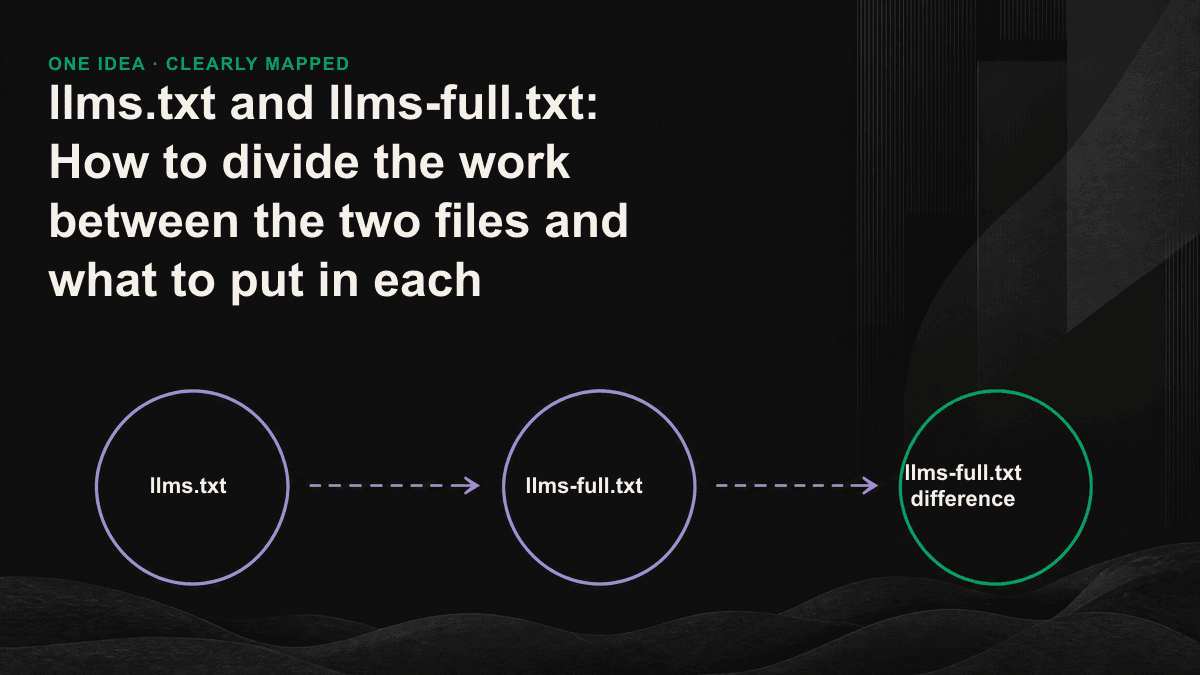
llms.txt and llms-full.txt are not alternatives, nor are they related to old and new versions. The former is a map for AI to read: use a link and add a sentence description to tell the language model what your website is about and where the focus is; the latter is an entire book: flatten all the content you want to be quoted into a plain text file and let the model read it all at once. Confusing the two: such as stuffing llms.txt with full text, or treating llms-full.txt as a sitemap: is the waste we see most often during audits.
Maps and books: the fundamental division of labor between two archives
llms.txt was proposed by Jeremy Howard (Answer.AI) in September 2024. It is a Markdown file placed in the root directory of the website, and the URL is fixed at "your domain/llms.txt". Its role is not the content itself, but the index. The model has a limited context window and cannot read all your messy HTML, navigation bar, advertising and tracking code; llms.txt uses a clean structure to tell it: what the website is doing, which pages are the most important, and what each page is about. You can think of it as a directory page written specifically for machines to read.
llms-full.txt (located in "your domain/llms-full.txt") takes the opposite route: it converts all the pages you want to be absorbed by AI - usually product documents, API descriptions, tutorials and knowledge bases - into Markdown and strings them into one continuous file. When the model or agent grabs this file, it is equivalent to reading your entire set of documents without having to crawl page by page or clean HTML page by page. This file is the easiest source for users when they paste your domain into ChatGPT or Perplexity, or when an agent wants to reference your description. It solves the problem of "feeding the complete content at once" rather than "helping me navigate".
- Purpose: llms.txt is responsible for "discovery and navigation", and llms-full.txt is responsible for "complete ingestion".
- Content: The former is a link plus a description, and the latter is the full text of the page.
- Volume: The former is usually a few KB, while the latter can be hundreds of KB or even larger.
- Update frequency: The former has a stable structure and few changes, while the latter must be regenerated every time the content is updated.
- Applicable objects: The former is suitable for any website, while the latter is mainly cost-effective for products with "a large number of documents or knowledge bases".
What to put in llms.txt
llms.txt has a set of conventional formats. If you follow it, the model will be easy to parse. The entire file from top to bottom is: an H1 title (brand or product name), an introductory summary, and then a list of links in sections. The key point is "restraint" - it is the focus of curation, not pouring all the sitemap into it. Too many links dilute the pages you really want to be seen.
- H1 title: Write clearly the brand or project name in one line, such as "#your product name".
- Summary block: Use an introductory paragraph to explain what this website is and who it serves. This is usually the first sentence the model reads and the most frequently quoted sentence, and it is worth polishing repeatedly.
- Section links: Use "##" to divide it into sections such as "Documents", "Case", and "Pricing". Each link is followed by a sentence description, such as "-[Quick Start](https://.../quickstart): Complete the first connection in five minutes."
- Optional block: Put secondary, skippable links into a block named Optional; when the model context is tight, this section will be discarded first.
What should be put in llms-full.txt
The content of llms-full.txt is the full text of your file, but there are several practical details that determine whether it can really be used. First, use Markdown instead of HTML: the header hierarchy, code blocks, and lists are all preserved so that the model can understand the structure. Second, remove the navigation bar, footer, and pop-up windows that are repeated on each page, leaving only the main text. Third, pay attention to the size: if the entire file is larger than the context length that the model can read at a time, the tail content will be truncated. If the file size is large, in addition to a general table, it is recommended to cut it into several smaller complete files according to the theme, such as /llms-full-api.txt, /llms-full-guides.txt. Most modern file frameworks can automatically generate this file, so don't copy and paste it manually - that's the beginning of obsolescence.
Which one should you do?
Not every website needs two files. Doing more does not necessarily mean extra points, but the maintenance costs are real. The judgment criterion is simple: do you have a batch of in-depth content that "you hope to be fully understood by AI and cited accurately"? If so, llms-full.txt is worth investing in; if it's just a few image pages, the focus should be elsewhere.
- Marketing website with only a few pages: Just create llms.txt first, or even leave it alone and focus on clean HTML and structured data.
- SaaS with product documentation, API documentation, knowledge base: do both, and llms-full.txt is the high-value one because it allows the AI to have a complete basis when answering questions about your product.
- The file size is very large: llms.txt is used as the total index, and llms-full.txt is split into multiple files according to the theme to avoid exceeding the context length.
- The content is updated very frequently: automate the generation of llms-full.txt into your build process, and manual maintenance will definitely expire.
The four most common mistakes
- Wrap the full text in llms.txt: it will become long and difficult to parse, and lose the point of indexing.
- llms-full.txt is so large that it is truncated: only the first half of the model is read, and the rest of the content does not exist.
- File expired: The content has been changed, the file has not been updated, and the model references the wrong old information, which is worse than nothing.
- Use it to replace basics: These two files don't replace clean HTML, correct Schema markup, and robots.txt settings. They are bonuses, not foundations.
When we checked these two files for customers, half of the problem was not that the format was wrong, but that it was not maintained at all - it was beautiful the day it went online, but three months later it was no longer consistent with the actual content. Files that will be referenced by AI will always be alive.— Tenten GEO Audit Team
How to verify and maintain after going online
Putting up the files is just the beginning. First make sure that the server uses plain text (text/plain or text/markdown) to post back, that the URL can be opened directly, and that it is not blocked by CDN or firewall. Next, practice testing: Throw your domain to ChatGPT, Perplexity, and Claude to see if the content matches llms-full.txt when they answer questions about your product. Finally, "regenerate these two files" is written into the fixed process of content release, so that it can grow with the website. If you want to know which piece of your website is missing in the eyes of the AI engine, Tenten GEO's 30-minute GEO diagnostic session can help you take stock of the map and the entire book at once. The appointment link is at /contact.