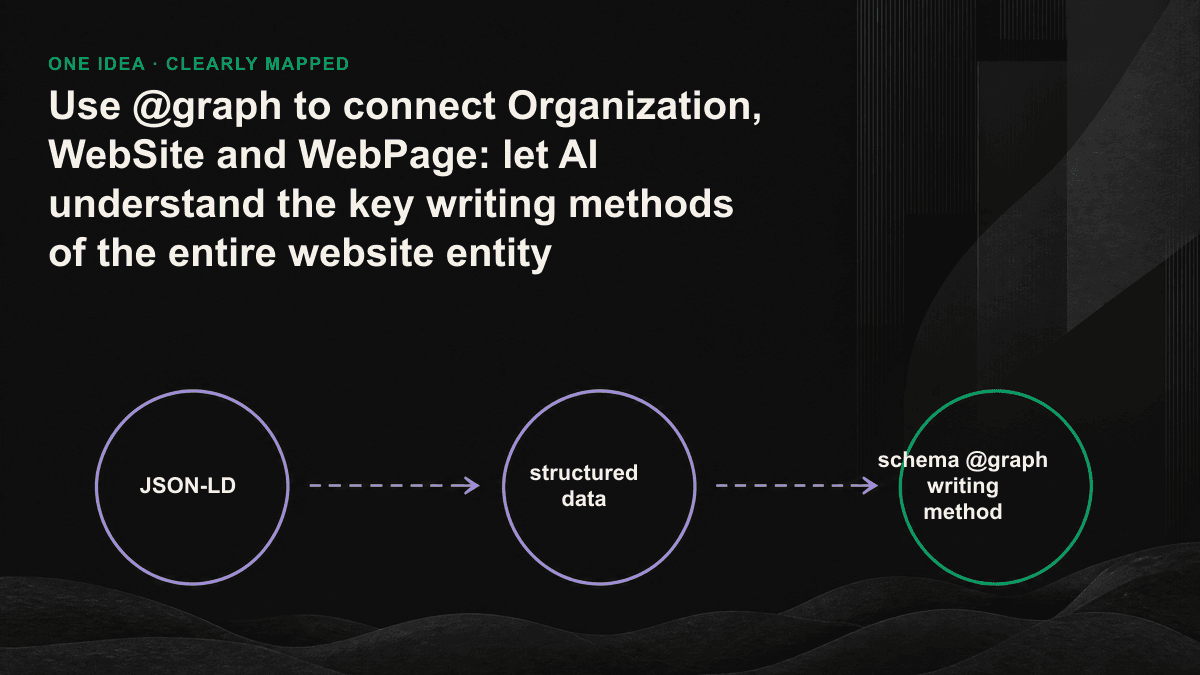
Each page of your website may have a schema posted on it, but after the AI engine reads it, it still doesn’t know which website this WebPage belongs to and who runs this website. The problem isn't the number of tags, it's that the tags don't know each other. Writing Organization, WebSite, and WebPage each as an isolated piece of JSON-LD is equivalent to giving the machine three unconnected business cards. The function of @graph is to connect these three business cards with a clear line, allowing AI to understand the physical structure of the entire website at once.
Why decentralized schema makes AI unable to piece together your website
The schema of most websites is automatically spit out by plug-ins or CMS templates: Organization for the homepage, Article for the article page, and Product for the pricing page. Each has its own schema. Just looking at each piece is legal, and it will pass the Rich Results test. The problem is when the machine wants to answer "Who is the publisher of this article and can it be trusted?", it only has a bunch of objects floating in the air, and there is no field to tell it that the publisher of Article is the Organization on the home page. Especially for AI summary and answer engines, a large part of their judgment of whether to quote you is whether they can map the content to a real and verifiable organization. Without the relationship, your content will fall from a company's official information to a piece of text of unknown origin.
@graph what exactly did
@graph is the top-level field of JSON-LD, and its value is an array, which can contain multiple entity objects. It splits the entities that were originally going to be split into several script tags into the same file and the same namespace. The key is not "putting them together", but that after they are put together, the objects can name each other using @id: you declare an @id on the Organization, and then just fill in the same @id in the publisher of WebSite, and the machine will know that the two are the same entity, and there is no need to copy the entire Organization again. This mode of defining once and referencing everywhere is the basic approach of knowledge graphs; schema.org supports @graph so that a page can express the relationship between entities instead of just listing a bunch of attributes.
Just one script tag can fit the entire @graph on one page. This incidentally cures an old problem - the same Organization is written once by three plug-ins each, and the attributes are fighting with each other. Under @graph, this company will only appear once, becoming the only source of truth on the entire site, and only one place will be changed during maintenance.
@id: Give each entity a stable house number
@id is the foundation of the entire writing method. It is a domain-wide unique identification string, usually in the form of a URL followed by a hash mark, such as https://example.com/#organization. This value does not necessarily need to be opened. Its task is to act as an identifier, not a link. As long as the same entity uses the same @id in every corner of the site, AI can group the information scattered on various pages under the same subject. When the same @id appears on the homepage, article page, and pricing page, the machine will stack the descriptions of the company on these pages to form a physical file with more complete information and harder to fake.
- Organization uses the domain root plus a fragment, such as https://example.com/#organization, which is unique in the entire site and always refers to the same company.
- WebSite uses the domain root plus #website to represent the entire website entity.
- The WebPage of each page uses "the page URL + #webpage", the value varies with the page
- Fragment naming is fixed to the team consensus (#organization, #website, #webpage), don’t write #org today, write #company tomorrow
- Once @id is online, don’t change it randomly; changing it is equivalent to creating a new entity, and all the associations accumulated in the past will be broken.
How do three entities point to each other?
The direction of the connection is logical: from small to large, from the page to the main body. WebSite uses publisher to point to Organization, announcing that this site is operated by this company. Each WebPage uses isPartOf to point to WebSite, declaring itself to be part of this site. If the page is about the company itself (about us, pricing, etc.), use about or mainEntity to refer back to the Organization. On the article page, let the publisher of Article also point to the @id of that Organization, and the publisher relationship is completed.
A complete example that can be directly applied
The following @graph is put into the page <head>, and one script tag can hold three entities: each declares @id once, and then uses @id to reference each other, instead of copying Organization again. In practice, the two parts of Organization and WebSite are extracted into a template that is shared by the entire site and written only once. The WebPage part can be dynamically brought in along with the url, name, and @id of each page. { "@context": "https://schema.org", "@graph": [ { "@type": "Organization", "@id": "https://example.com/#organization", "name": "Example company", "url": "https://example.com/", "logo": { "@type": "ImageObject", "url": "https://example.com/logo.png" }, "sameAs": [ "https://www.linkedin.com/company/example", "https://x.com/example" ] }, { "@type": "WebSite", "@id": "https://example.com/#website", "url": "https://example.com/", "name": "Example", "publisher": { "@id": "https://example.com/#organization" } }, { "@type": "WebPage", "@id": "https://example.com/pricing#webpage", "url": "https://example.com/pricing", "name": "Pricing plan", "isPartOf": { "@id": "https://example.com/#website" }, "about": { "@id": "https://example.com/#organization" } } ] }
The four most common mistakes
- @id is inconsistent: #organization is written on the home page, but the publisher on the article page fills in the complete URL or misses the hash mark fragment, and the machine treats it as two different companies.
- The complete object is stuffed where the reference should be: the entire Organization is rewritten in the publisher. There are two copies of the same entity, and the attributes may conflict with each other.
- Entities are floating: WebPage does not have isPartOf, and Article does not have publisher. Although the object is legal, it is disconnected from the main body.
- Use the changing URL as @id: Once the URL with tracking parameters or session changes, an additional entity will be generated and all associations will be restarted.
Let AI trust your website, not by having too many tags, but by pointing out the entities clearly enough.
Be sure to verify these three things before going live
Posting it does not mean doing it right. First, use Rich Results Test or Schema Markup Validator to paste the entire @graph and confirm that there are no red words in the syntax; then do a step that most people skip - grab each referenced @id and compare it one by one to see if it is actually defined in the same graph. Do not point to non-existent identification codes; finally, load the page in the browser, look at the rendered HTML, and confirm that the script really has output. Many SSRs or CMS will silently drop things at this step. Entity connection is an area with a high reporting rate in technical GEO: it does not require many hours of work, but it directly affects whether the AI is willing to treat you as a trusted source. If you are not sure whether your Organization, WebSite, and WebPage are really connected and whether the publisher relationship is broken, you can book a 30-minute GEO diagnostic session. We will actually capture your rendered HTML and point out the missing lines one by one.