Schema passing Google's verification tool does not mean that the AI engine can capture your structured data. The two things take different parsing paths. The Rich Results Test only checks whether the few rich results supported by Google are qualified, and the Schema.org Validator only checks whether the grammar meets the vocabulary specifications. Neither will tell you what ChatGPT, Perplexity, or Google AI Overviews’ crawlers actually read on your page. Many pages are fully green in verification, but are completely invisible in AI answers. This is the gap.
Why "passed verification" does not equal "AI can read"
The job of the verification tool is "compliance checking", not "readability checking". Schema.org Validator compares your JSON-LD with the schema.org vocabulary to confirm that the types and attributes are spelled correctly and the nested structure is legal; the Rich Results Test simulates the Googlebot rendering page to determine whether this page can trigger a certain rich result. After doing these two things, you only know "the grammar is correct" and "whether Google is willing to give you a rich result". As for AI crawlers, most of them directly grab the original HTML returned by the server, do not execute JavaScript, and do not care whether you are qualified for rich results. What really determines whether AI can read it or not is whether the JSON-LD appears in the original HTML and whether the entities are connected.
Two essential tools, each with their own blind spots
First explain the positioning of the two tools clearly before you know what each misses.
- Rich Results Test (search.google.com/test/rich-results): Googlebot will be used to actually render the page, execute JS, and list the detected rich result types and error warnings item by item. The blind spot is that it only covers about thirty types supported by Google; if you mark types such as Organization and Person that do not trigger rich results, it will display "Item not detected", but that does not mean that your schema is invalid.
- Schema.org Validator (validator.schema.org): It displays the complete entity tree for every schema type, whether or not Google supports a rich result for that type, so it is useful for checking syntax and vocabulary. It does not execute JavaScript by default, which means pasted source code or a URL may produce an unrendered version. It also does not report rich-result eligibility and can overlook some semantic errors.
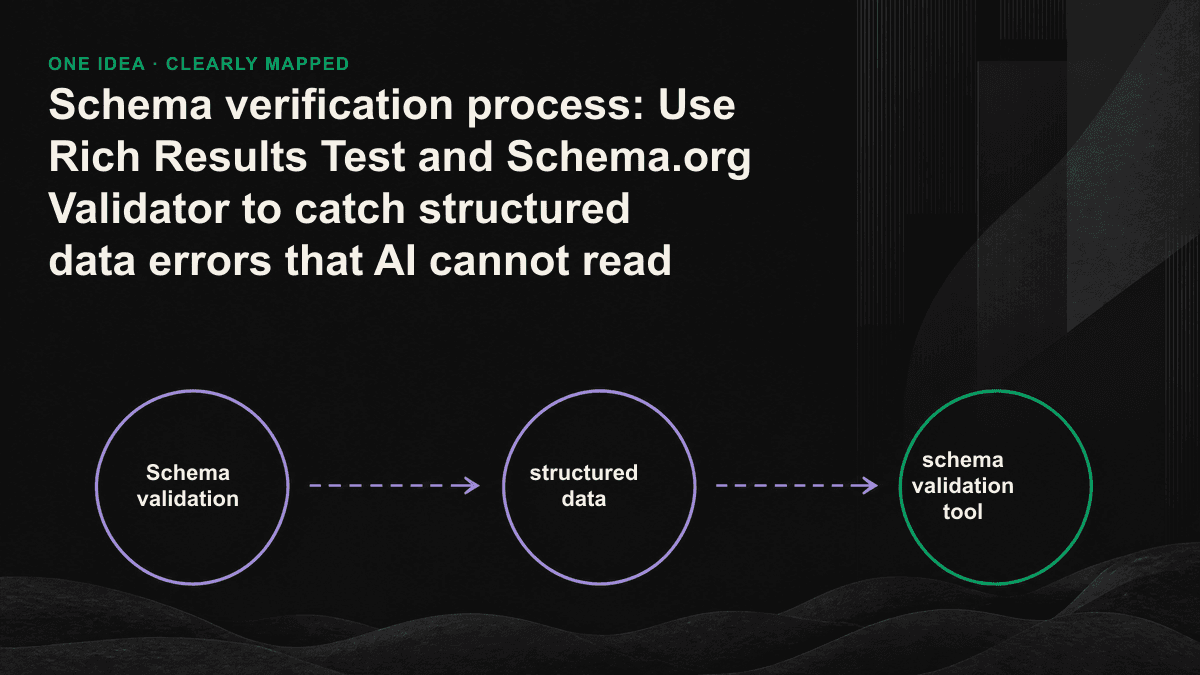
The conclusion is straightforward: use both, and be clear about what you are checking at this step. Use Schema.org Validator to check syntax and entity structure, and use Rich Results Test to check Google rich result qualification and rendering results. Neither of them can answer for you "Can a crawler that does not run JS see it?", then it depends on the next step of source code inspection.
A repeatable Schema validation process
Break the verification into a fixed sequence, and run the same checklist for every page and every revision, so that you won't check based on impressions every time and miss different holes every time.
- Use Schema.org Validator to paste the "rendered" HTML, confirm that the grammar and vocabulary are correct, unfold the complete entity tree, and check the types and required attributes one by one.
- Use Rich Results Test to enter the official URL and confirm that Google captures the rendered version and that the rich result type you want is recognized and there are no red errors.
- Use curl or view-source to capture the original HTML "without executing JS", search application/ld+json, and confirm that JSON-LD is really in the content returned by the server. This step simulates the behavior of most AI crawlers.
- Check the cross-reference between @id and @type: Organization, WebSite, Article, Person. Whether the consistent @id is used to string together a picture, so that the engine can determine which organization the author belongs to and which website the article belongs to.
- Compare the values in the schema with the visible content of the page item by item. The price, title, rating, and date must be consistent. If they are inconsistent, Google will directly ignore them, and AI will also reduce trust.
- Save a baseline snapshot, then rerun the entire list every time you revise, and view the differences as regression.
Types of errors that AI engines don’t really read
Schemas that pass the grammar level still have a whole class of errors like "the tool says it's OK, but the AI can't read it." These are the things we catch most often when doing audits for our clients:
- JSON-LD is injected on the browser side by the front-end framework or tag manager. There is not a single line in the original HTML returned by the server, and crawlers that do not run JS cannot see it at all.
- @id is missing or inconsistent, entities cannot be connected, and the engine cannot tie authors, organizations, and articles into the same knowledge graph node.
- The type is selected correctly, but the value is placed in the wrong field: the currency is inserted into price, the entire description is inserted into name, and priceCurrency is missing from offers.
- The syntax is legal but the semantics is incomplete: Product has no offers, Article lacks author or publisher, and FAQPage's answer is an empty string.
- There are multiple conflicting JSON-LDs on the same page, such as the Organization included in the home page template and the one included in the page. The engine is at a loss as to what to do.
- The date is not ISO 8601, and the image uses a relative path instead of an absolute URL. These will pass through the tolerant validator, but they are easily discarded during extraction.
Don’t just look at the tools, look at the gap between “rendered DOM” and “source code”
The key to solid verification is to look at both versions of the page at the same time. Open the Elements panel of DevTools and you will see the DOM rendered by the browser, which is roughly how Googlebot will see it; use view-source or curl to see the original HTML initially returned by the server, which is what most AI crawlers will see. If your structured data only exists in the former and not in the latter, the gap is where AI cannot read you. The verification tool helps you see the first version, but you have to grasp the second version yourself.
Schema verification is not an action that is done once and then ends during release, but a level that must be re-run every time it is revised; a CMS upgrade or a template adjustment may cause the entire physical tree to fall apart silently.— Tenten GEO Technical Audit Notes
Make verification a fixed level before release
The most practical approach is to integrate this list into the release process instead of relying on memory for temporary checking. You can add a script to CI to capture the original HTML of the official URL, parse out JSON-LD, compare required attributes and @id references, and block deployment if any are missing; teams without CI should write at least six steps into a pre-release checklist, and tick each item after revision. The value of structured data lies in the stability of being extracted by machines, and the stability comes from the process, not from the luck of a manual verification. If you want to know what your page looks like in the eyes of a crawler that does not run JS, and which schema AI cannot read at all, you can go to /contact to book a 30-minute GEO diagnostic session, and we will run the process on your actual page.